An internal tool by Insight BSS
The easy half is
writing the post.
Socyva writes the caption, the hashtags and the artwork from a single sentence. Then it does the hard half — it stops, and waits for a named person to say yes.
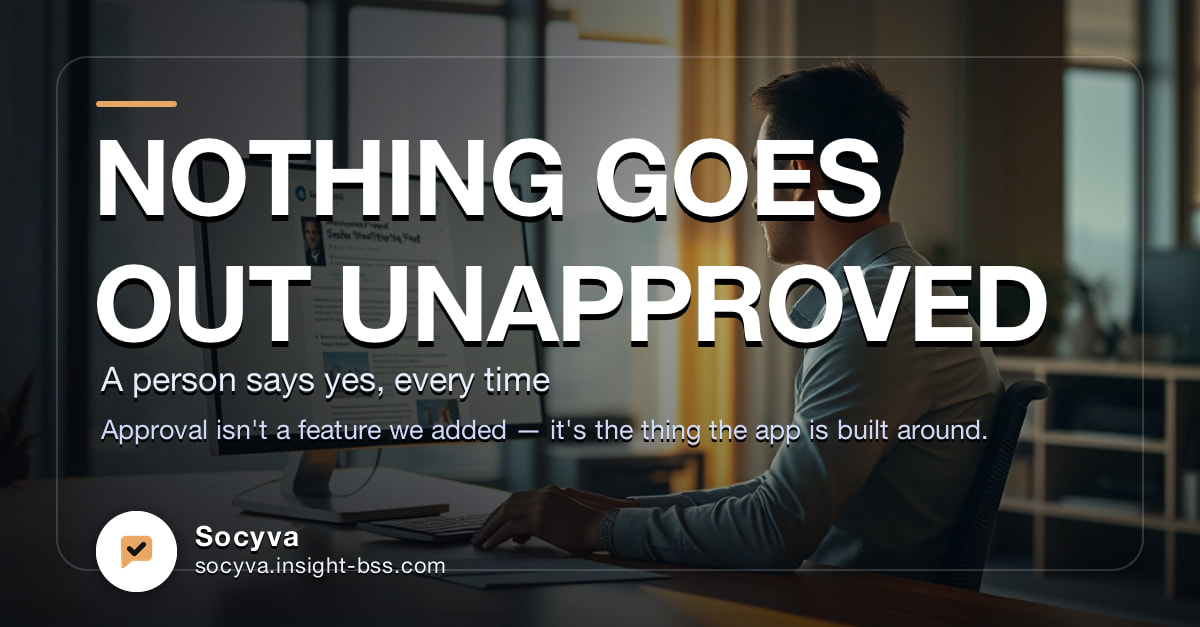
Publishes to Facebook, Instagram and LinkedIn. Every publish time is shown in your own clock, with the zone named.
The old way
A single post used to mean a brief, a wait, a designer, and a thread of versions nobody could find again.
The work was never the hard part. The queue was. By the time a post was ready, the moment it was written for had usually passed — and the version that finally went out was rarely the one anybody had approved.
How it works
Three steps, start to finish.
Describe it
Write the goal in plain language and pick the network. That is the whole input — no brief, no template to fill in.
Review it
A caption, hashtags and finished artwork come back. A brand check scores it against your tone, your audience and your banned words, and can suggest improvements you apply in one click.
Send it for approval
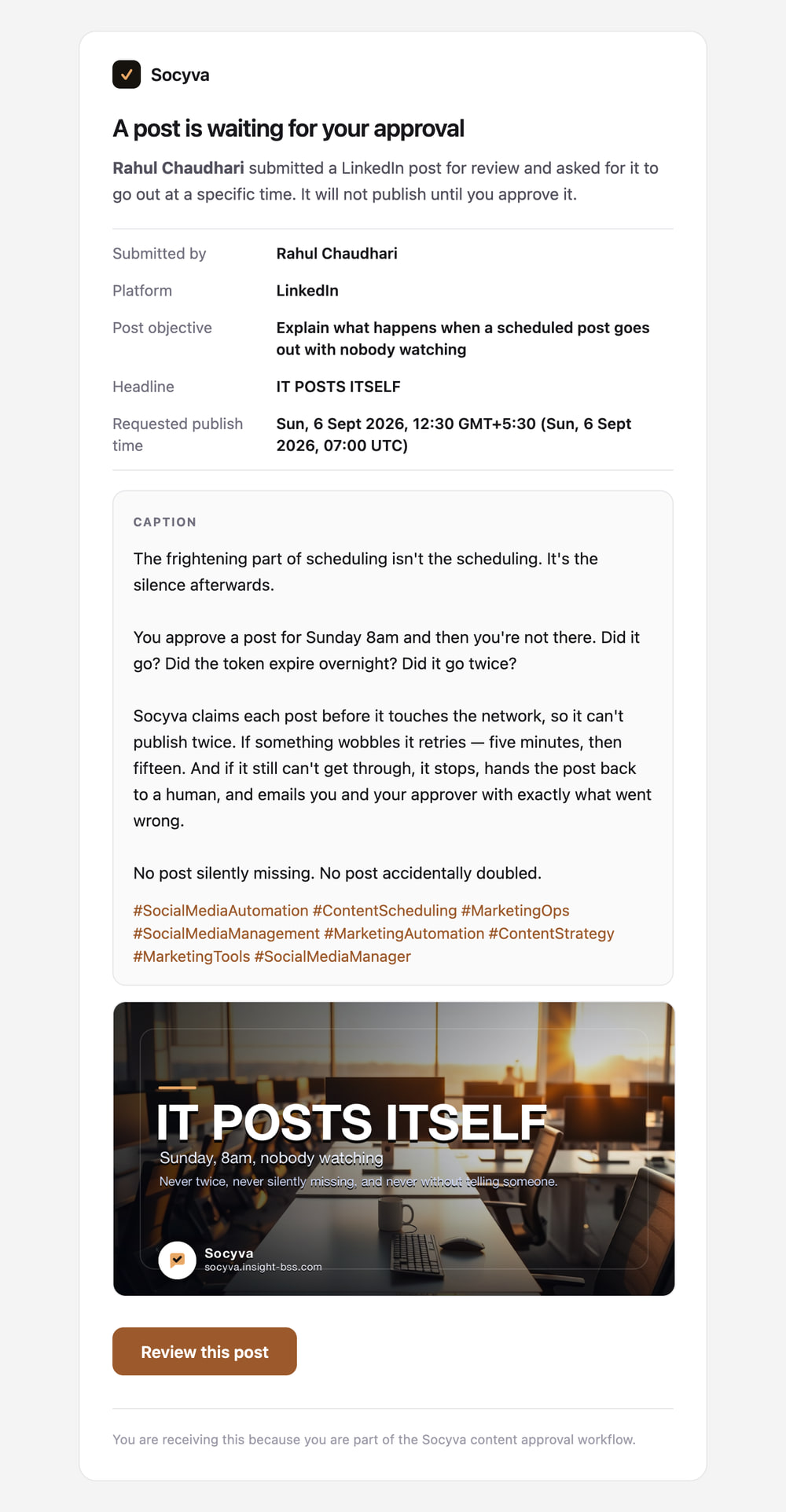
Your approver gets an email with the caption and the artwork in it. They approve — and it publishes or goes on the calendar — or they send it back with a reason.
The part that matters
Nothing goes out
without a human yes.
Approval isn't a feature we added. It's the thing the app is built around — so the gate lives in the server, not in the interface. A creator cannot publish by finding a different button.
Only approvers can publish
Anyone can write a post. Only an approver can put it live — including when the approver is the person who wrote it.
The artwork is in the email
The approver reads the caption and sees the poster in the message itself. A rejection has to carry a reason.
Editing reopens the review
Change a post after submitting and the approval is cancelled, so nobody signs off work they never saw.
Published posts are locked
Every round of feedback is kept and every decision is attributed. What went out stays a record of what went out.
Scheduling
Whose 9am?
A time without a zone isn't a time. It's a guess with a number on it.
One post, scheduled once
- London 09:00 BST Tue 8 Sept
- Dubai 12:00 GST Tue 8 Sept
- Chennai 13:30 GMT+5:30 Tue 8 Sept
- Your clock
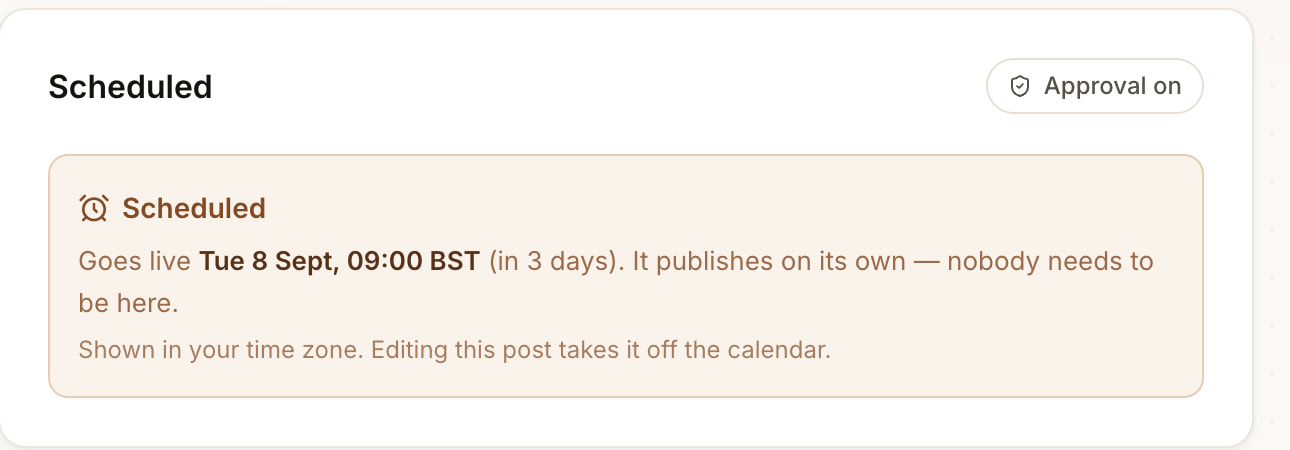
The same instant, four times. Nobody converts anything, and no one is asked to read someone else's clock.
Most tools store the characters 09:00 and hope. Socyva stores an absolute moment, then renders it for each person in their own zone — with the zone named, every single time. Never a bare 09:00 on its own.
Where a zone has no abbreviation it says so plainly: GMT+5:30 rather than a number on its own. The approval email does the same, and adds UTC underneath, because an email has no browser to ask where you are.
It is a small thing right up until the launch post goes out five hours early.
Unattended publishing
Sunday, 8am,
nobody watching.
The frightening part of scheduling isn't the scheduling. It's the silence afterwards. Did it go? Did the token expire overnight? Did it go twice?
It cannot go twice
Each post is claimed before it touches the network. A second attempt finds it already taken and stops there.
It retries
Five minutes, then fifteen. Most wobbles — a slow API, a dropped connection — are over well inside that.
It cannot fail quietly
Out of attempts, it hands the post back to a human and emails you and your approver with exactly what went wrong.
No post silently missing. No post accidentally doubled.
When something breaks
Four ways to get
a post out.
Every AI tool has the same bad day. The quota runs out, the model times out, and the afternoon's work just stops. You only need one of these four working.
- 1 Normally Your image model writes the artwork from the brief.
- 2 Quota gone It falls back to a free model that needs no key.
- 3 That's down too It draws a background in your own three brand colours.
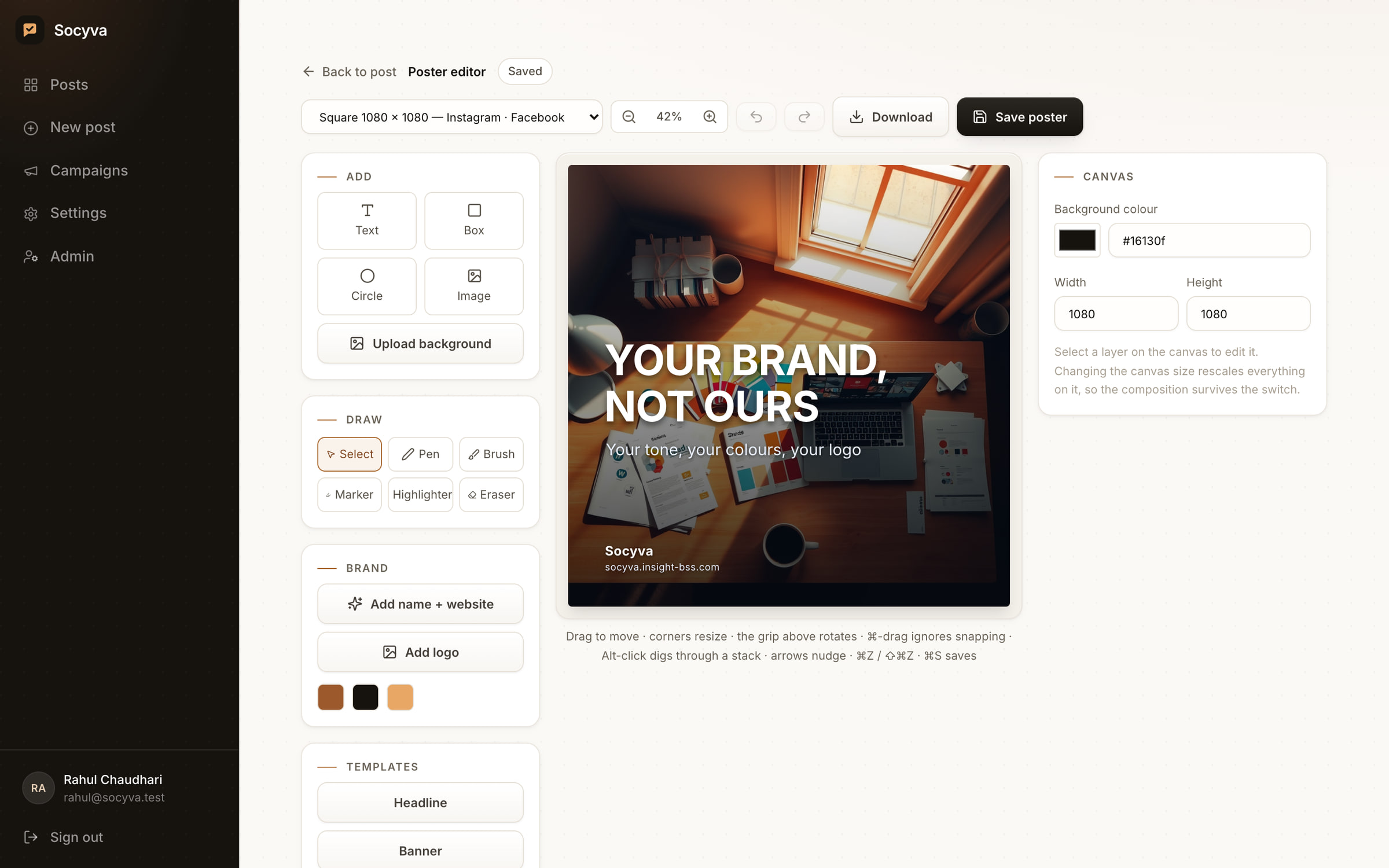
- 4 Rather skip AI You design it yourself in the built-in canvas editor.
The writing has the same safety net. If the model is unreachable, a built-in copywriter takes over, and the post still gets a caption and hashtags. There is no difference at the other end.
On brand by construction
Your brand, not ours.
Generic AI output is the usual complaint. A brand profile the model cannot ignore is the fix.
Fill it in once. Tone of voice. Who you're actually talking to. Three colours. Your logo. The words you use — and the words you never use.
After that, every caption is written in that voice, and every poster carries your colours and your logo mark. A brand check then scores the post out of 100 before it goes anywhere, and tells you why.
- 85–100
- On brand
- 70–84
- Mostly on brand
- 50–69
- Needs work
- 0–49
- Off brand
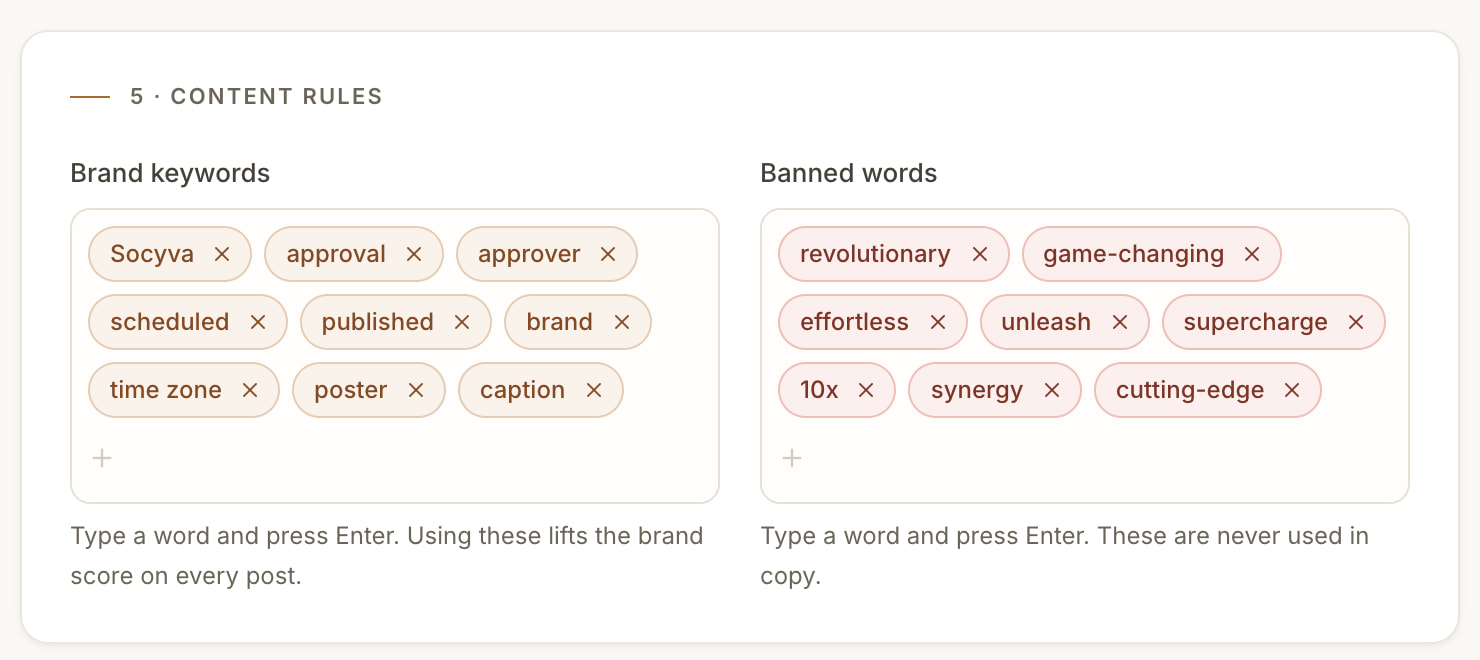
It will tell you the brand name is missing from the caption, that you're forty words over, or that you've used something from your banned list. You still decide. It just stops you finding out afterwards.
Publishing
One approval,
three destinations.
Socyva publishes to Facebook, Instagram and LinkedIn independently. If a LinkedIn token has quietly expired, Facebook and Instagram still go out — and you are told precisely which one failed and why. Not a red cross. An actual sentence, with the fix in it.
Before publishing, it reads each account name back from the network itself, so you can confirm where the post is actually going.
The poster is sized for the network it was made for — 1080 × 1080 for Instagram, 1200 × 630 for Facebook, 1200 × 627 for LinkedIn.
Sending the same post somewhere else is a deliberate tick, never a default, because the same picture on a different network is a different-shaped post.
What it produces
Every one of these came
out of Socyva.
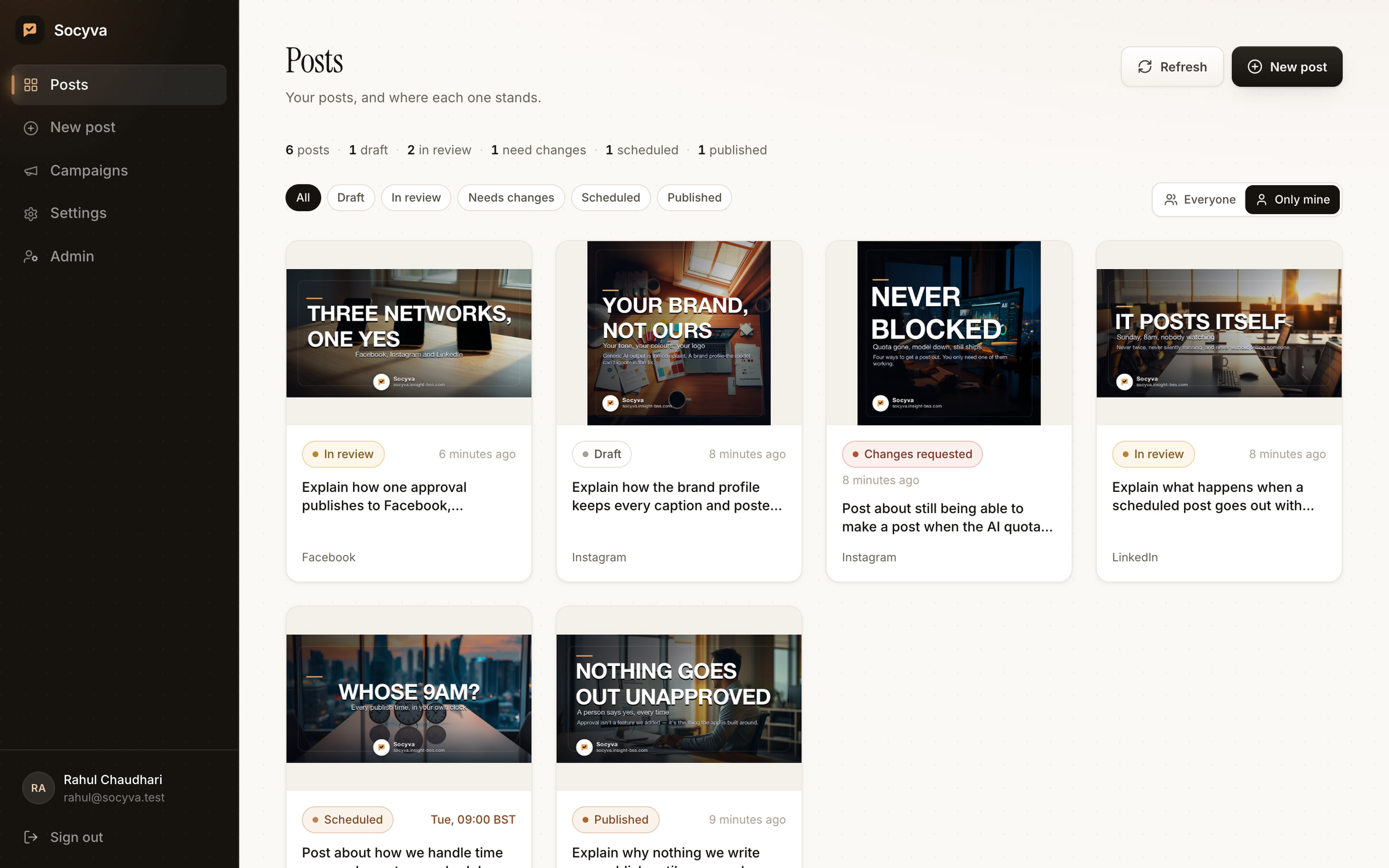
Real output, untouched — including the poster at the top of this page. Socyva wrote about itself: one brand profile, six sentences, six finished posts. Each is rendered at the size the network wants, with the brand's colours, logo and website already in place.
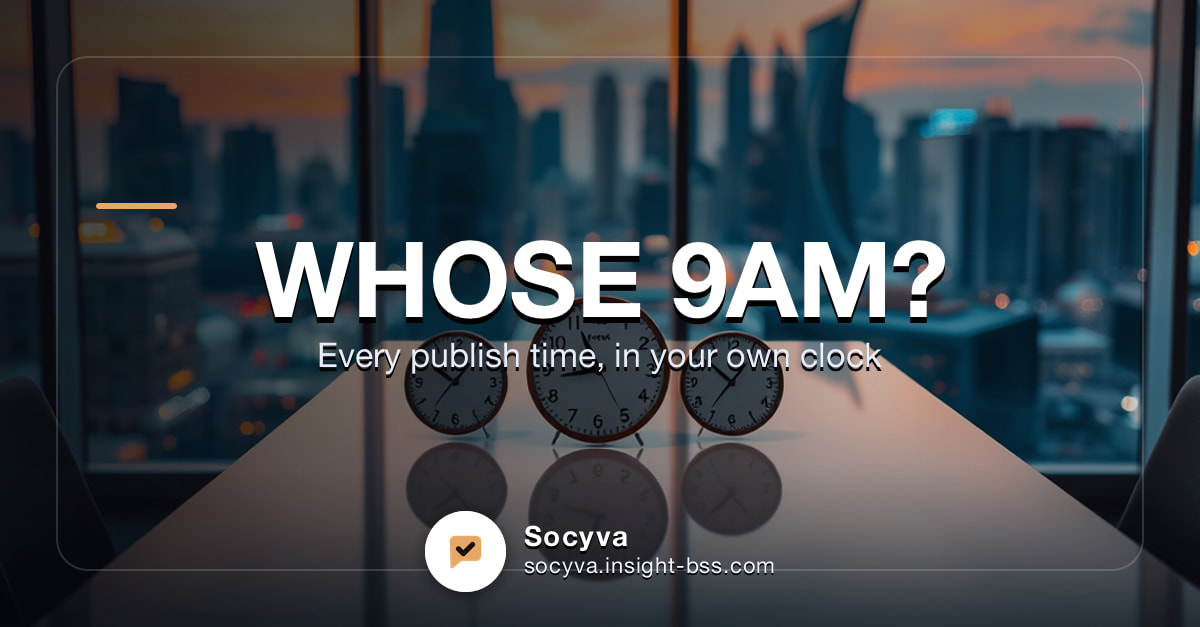
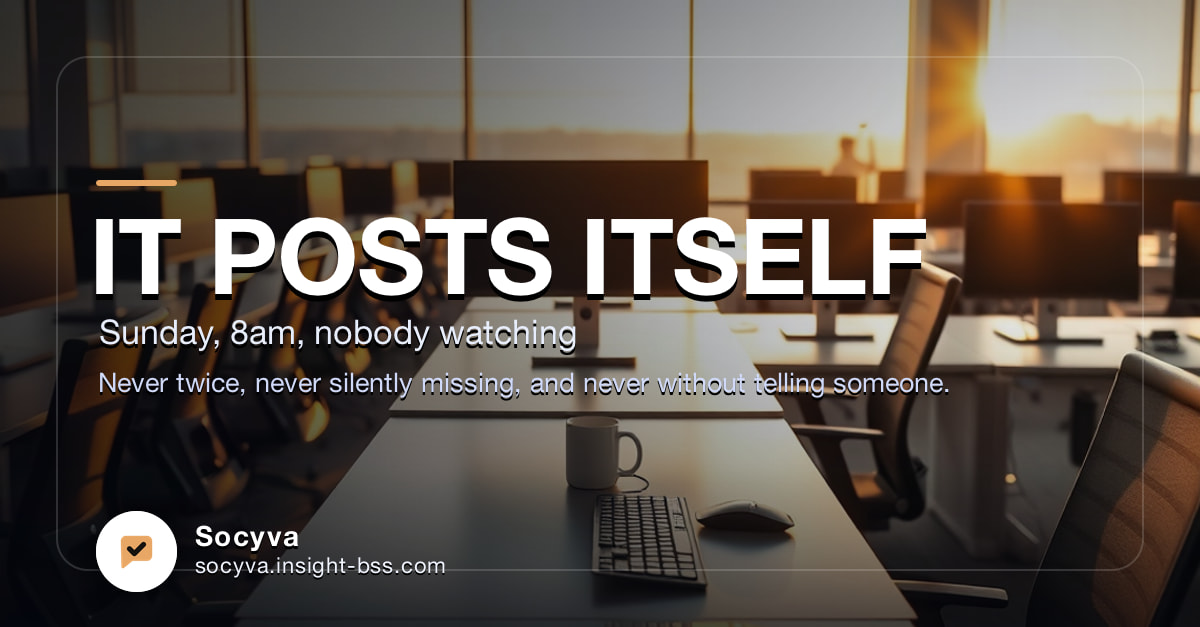
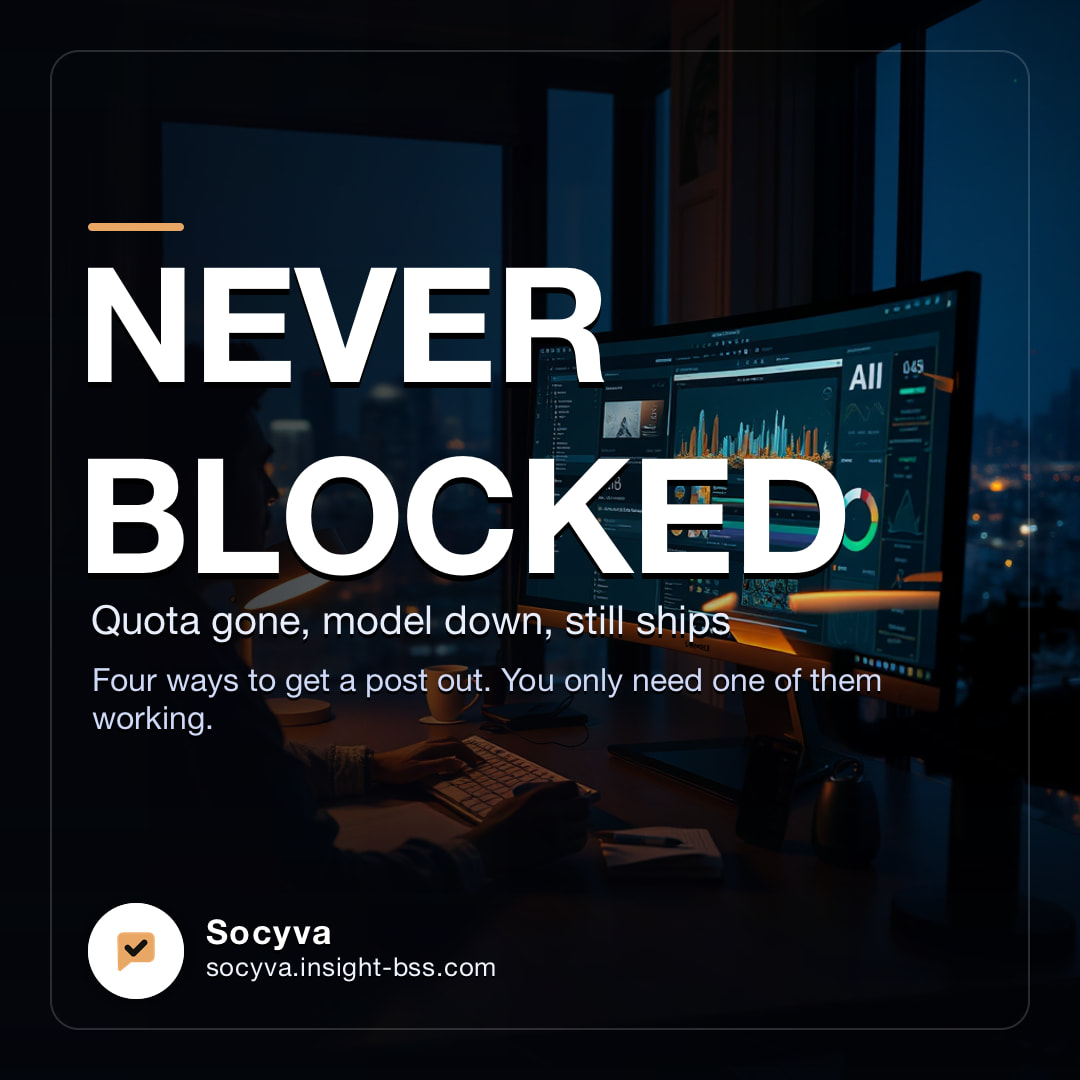
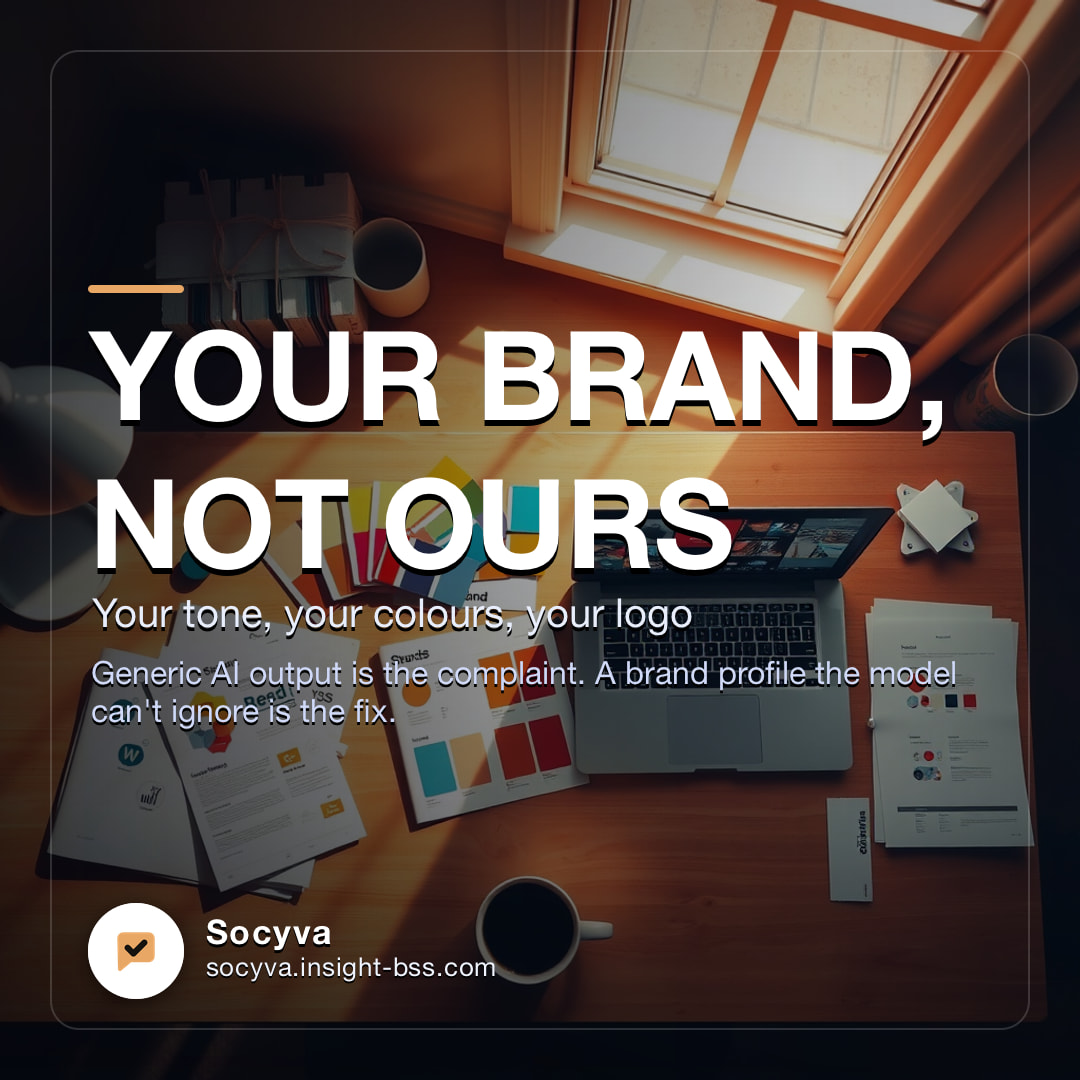
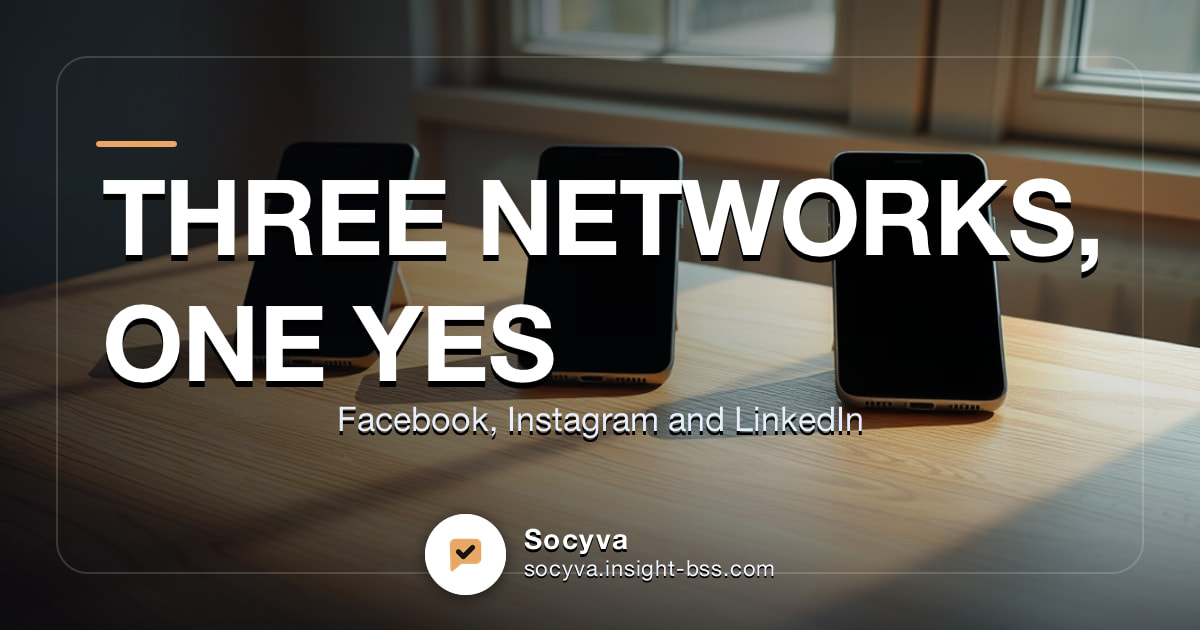
If the wording is not quite right, edit it. If the artwork is not quite right, generate another — or open the editor and move things yourself. You can also upload a poster you already have and send that through the same flow.
Once it is live
Everyone sees what went out.
Nobody sees your drafts.
Published and scheduled posts become a shared library across Insight, so you can see what the organisation has already said before writing something similar. Work in progress stays private to whoever is writing it — and that is enforced on the server, not hidden in the interface.
Plainly
What it actually does.
- Writes the copy
- Caption and hashtags, in your brand's tone of voice, capped at 200 words.
- Designs the artwork
- Original imagery composed with your headline, logo, colours and website.
- Sizes it per network
- 1080 × 1080 for Instagram, 1200 × 630 for Facebook, 1200 × 627 for LinkedIn.
- Scores it against your brand
- Every post is rated from 0 to 100 — on brand, mostly on brand, needs work, or off brand.
- Requires approval
- A named approver signs off before a post can reach a social account.
- Schedules in real time zones
- An absolute instant, shown to each person in their own clock with the zone named.
- Publishes unattended
- Claimed before it publishes so it cannot go twice, retried twice if it wobbles, and handed back to a human if it still cannot get through.
- Keeps working when things break
- Four ways to make artwork and two ways to write copy, so a dead quota never stops a post.
- Lets you take over
- Edit the words, regenerate the image, redesign it in the built-in editor, or upload your own. Approvers can fix a typo themselves rather than bounce it back.
The manual
How it works,
on paper.
The whole product written down — what each screen does, how the approval gate is enforced, how a schedule resolves into a real time zone, and what happens when a publish fails at three in the morning.
Write the next one
in a sentence.
Sign in with your Insight email. If you have not used it before, the first screen sets up your brand once and you are ready.